32k
total downloads
1.5k
within 1st 48 hrs
56
app ratings
4.4/5
on App Store
Problem
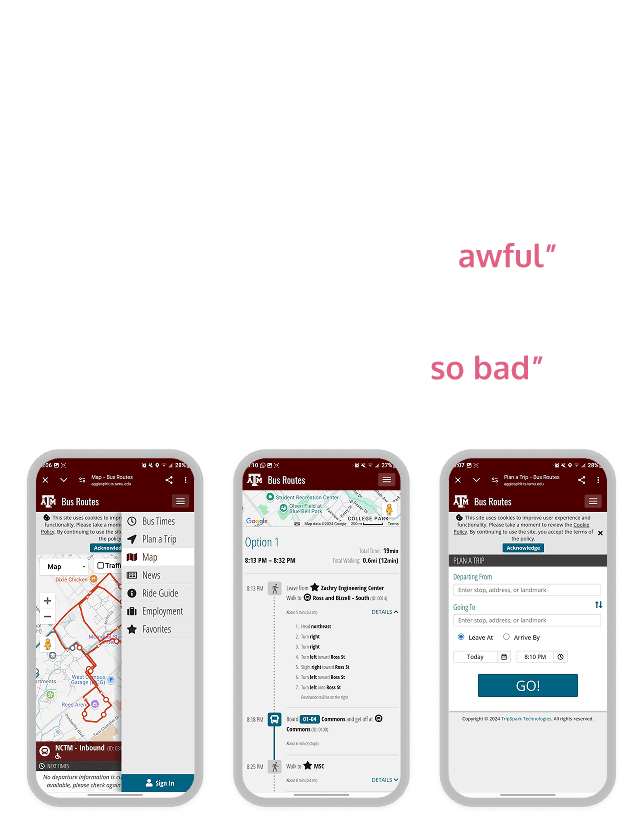
Despite using the school-provided app, students remained unsure about which bus to take, where to board, and when it would arrive.
What I did about it
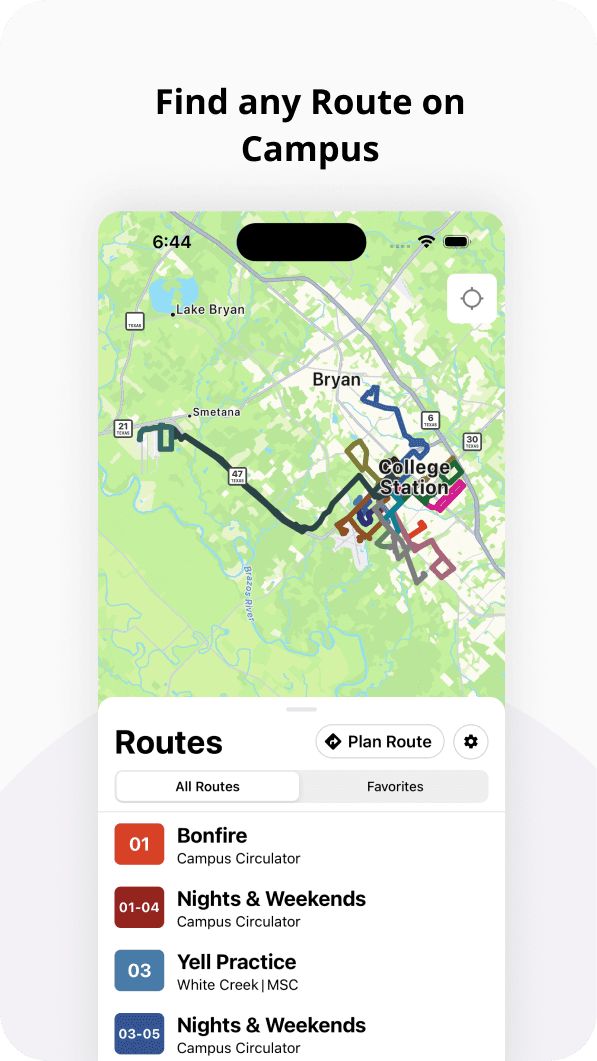
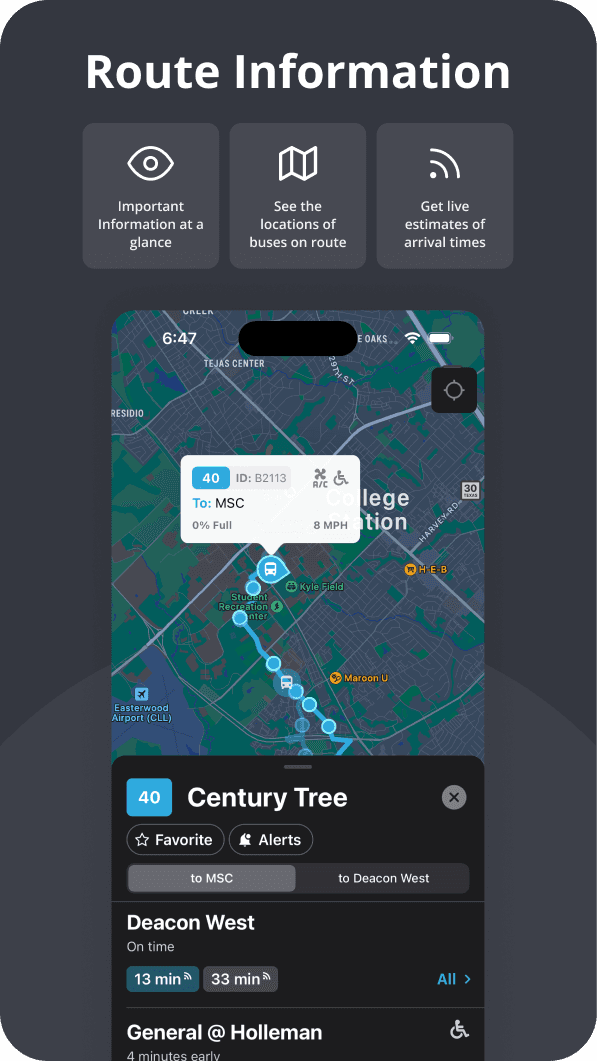
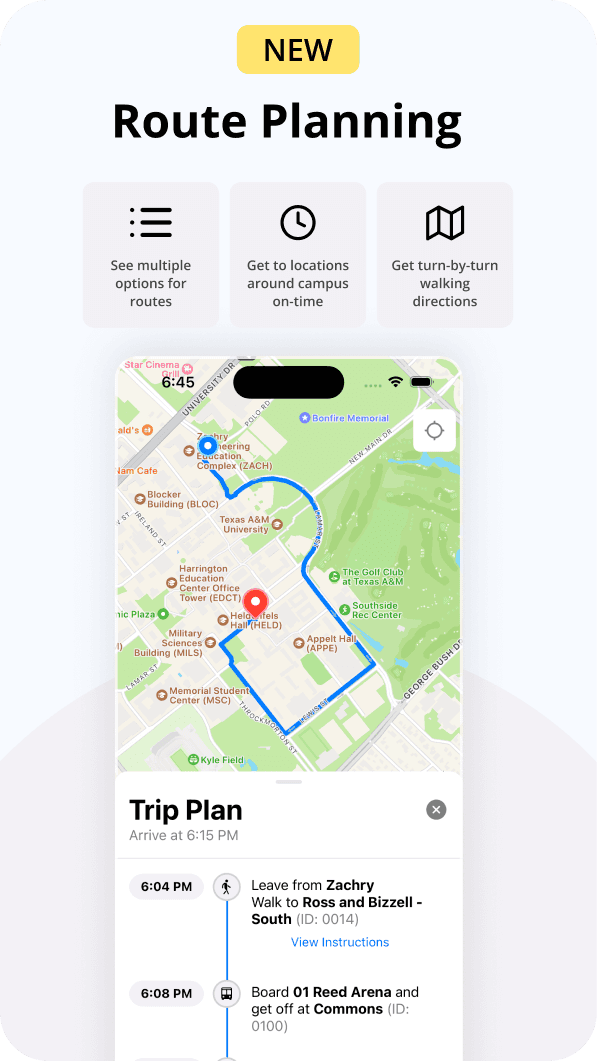
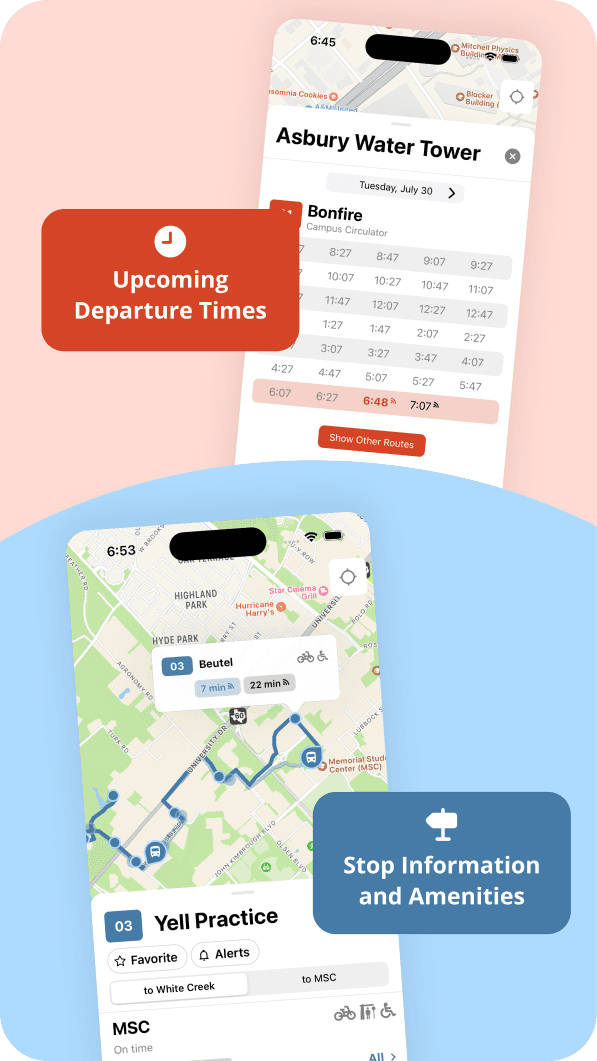
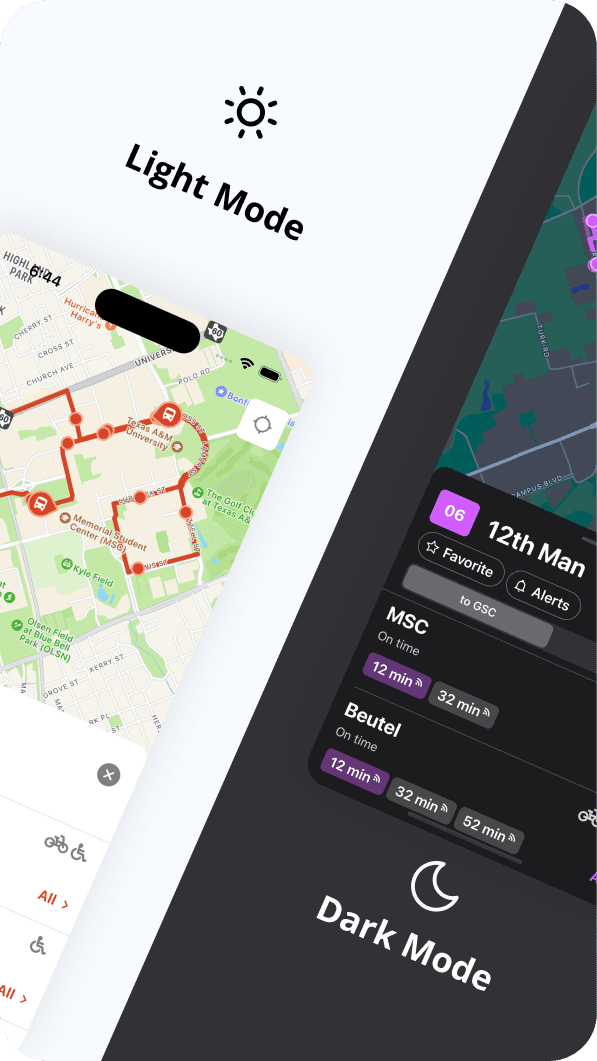
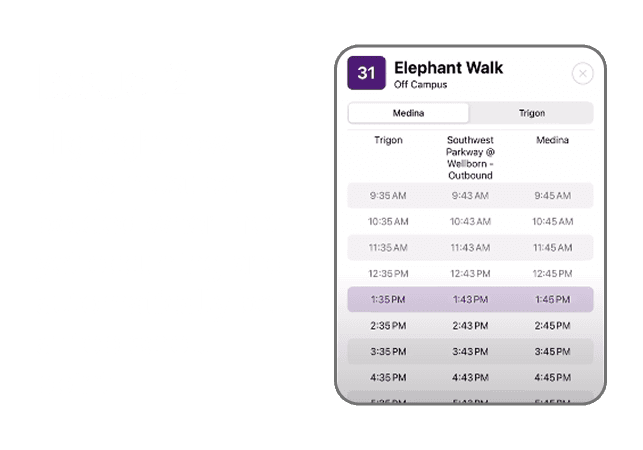
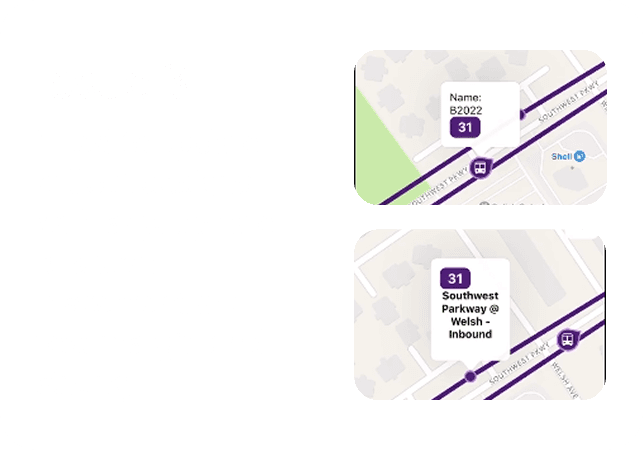
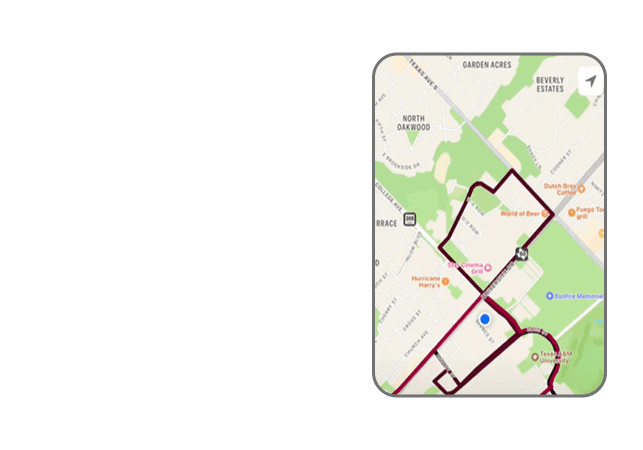
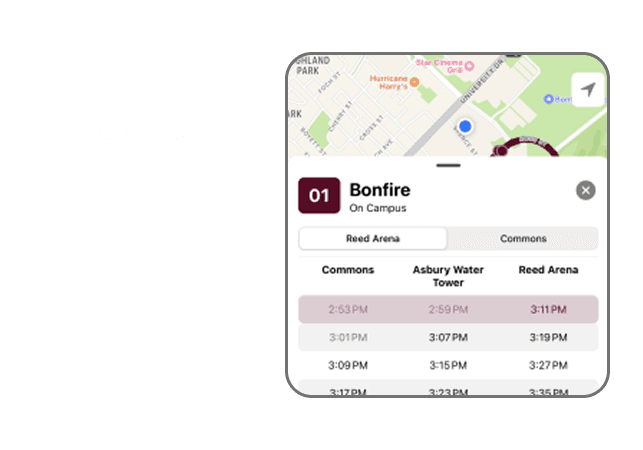
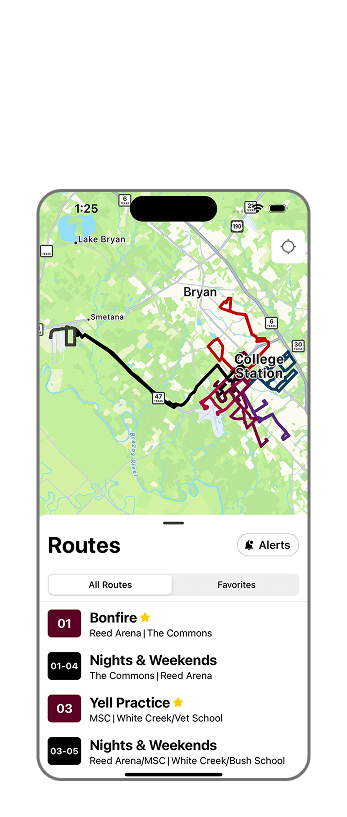
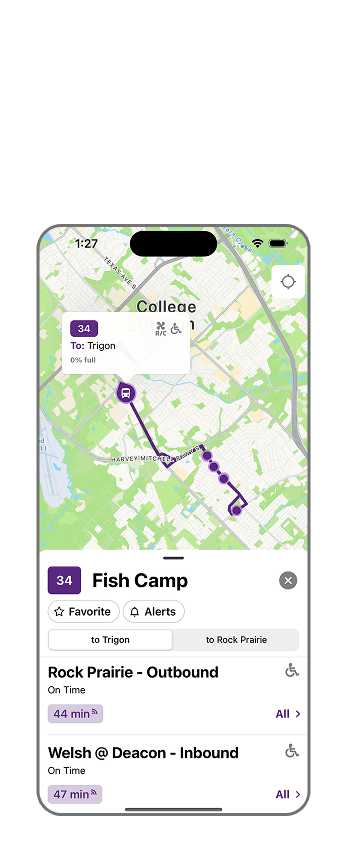
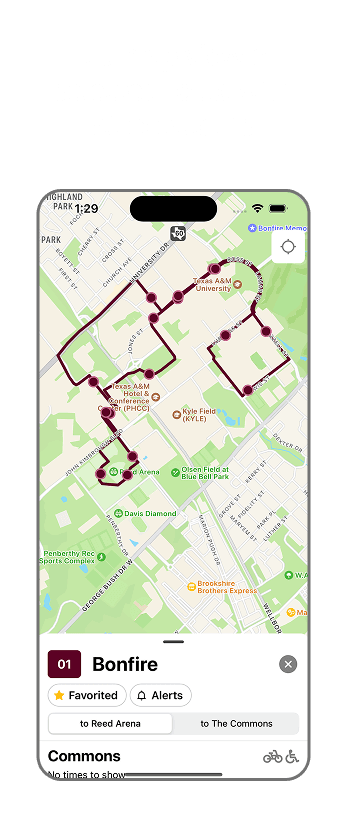
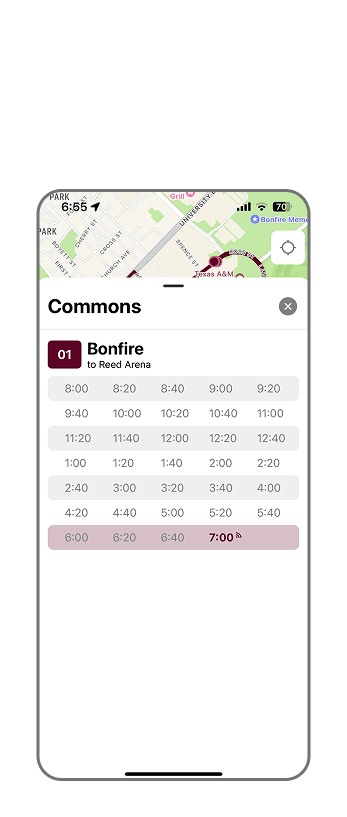
I partnered with mobile developer friends to build a user-centered bus app with clearer routes, “favorite” features, and location-powered directions.
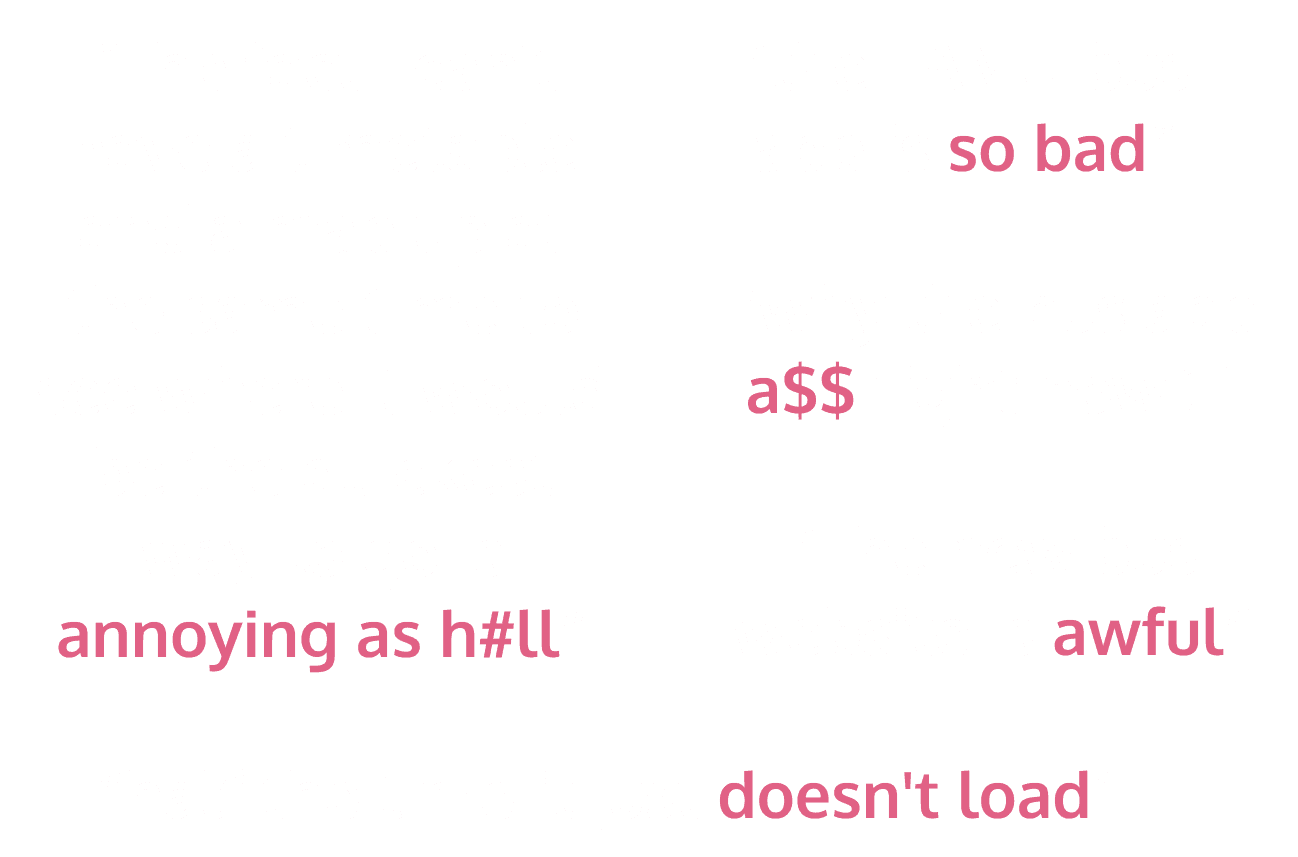
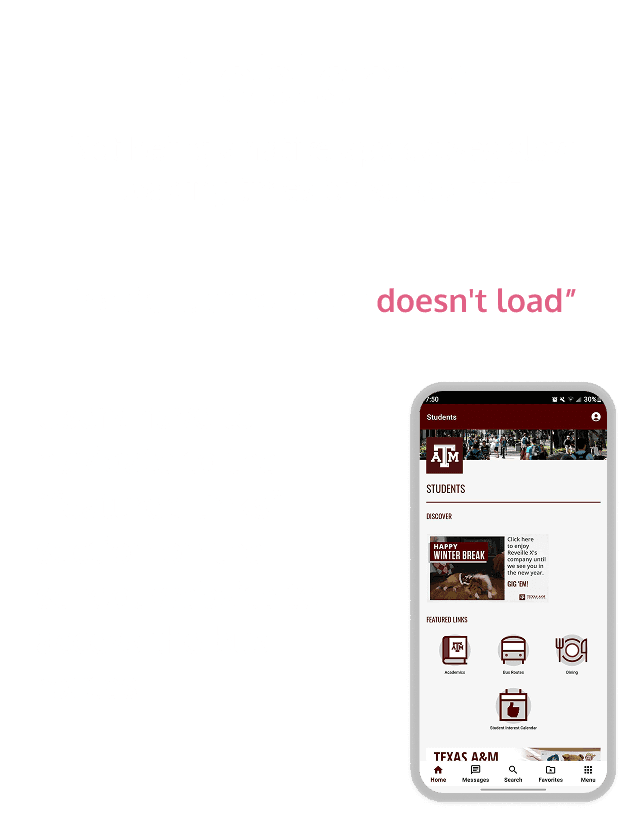
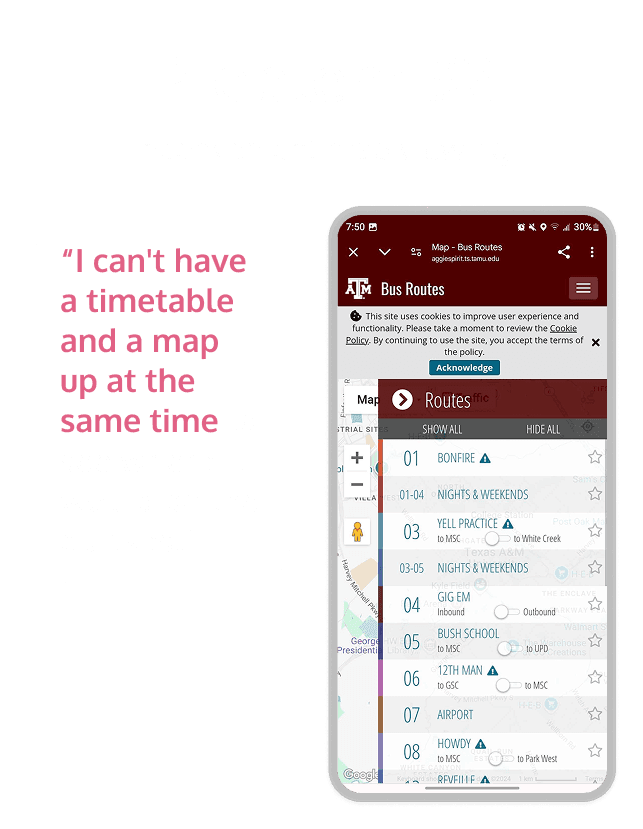
Finding what the real problems were by evaluating the negative feedback
I collected several opinions from students by going through Reddit threads about the TAMU app and noting negative comments from my fellow classmates.



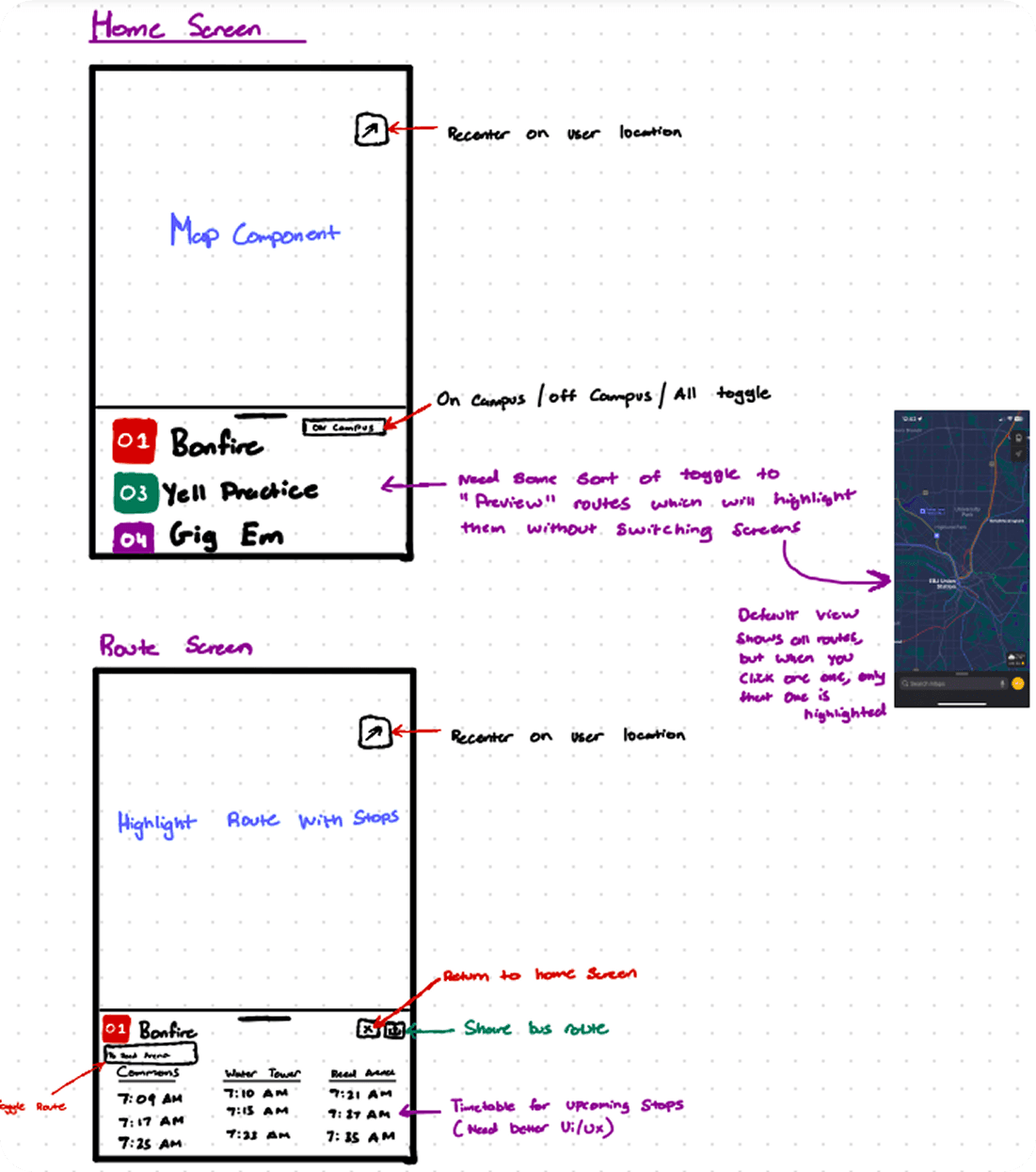
Sketched ideation with developer
We brainstormed features: route filtering, dual map-details view, etc.
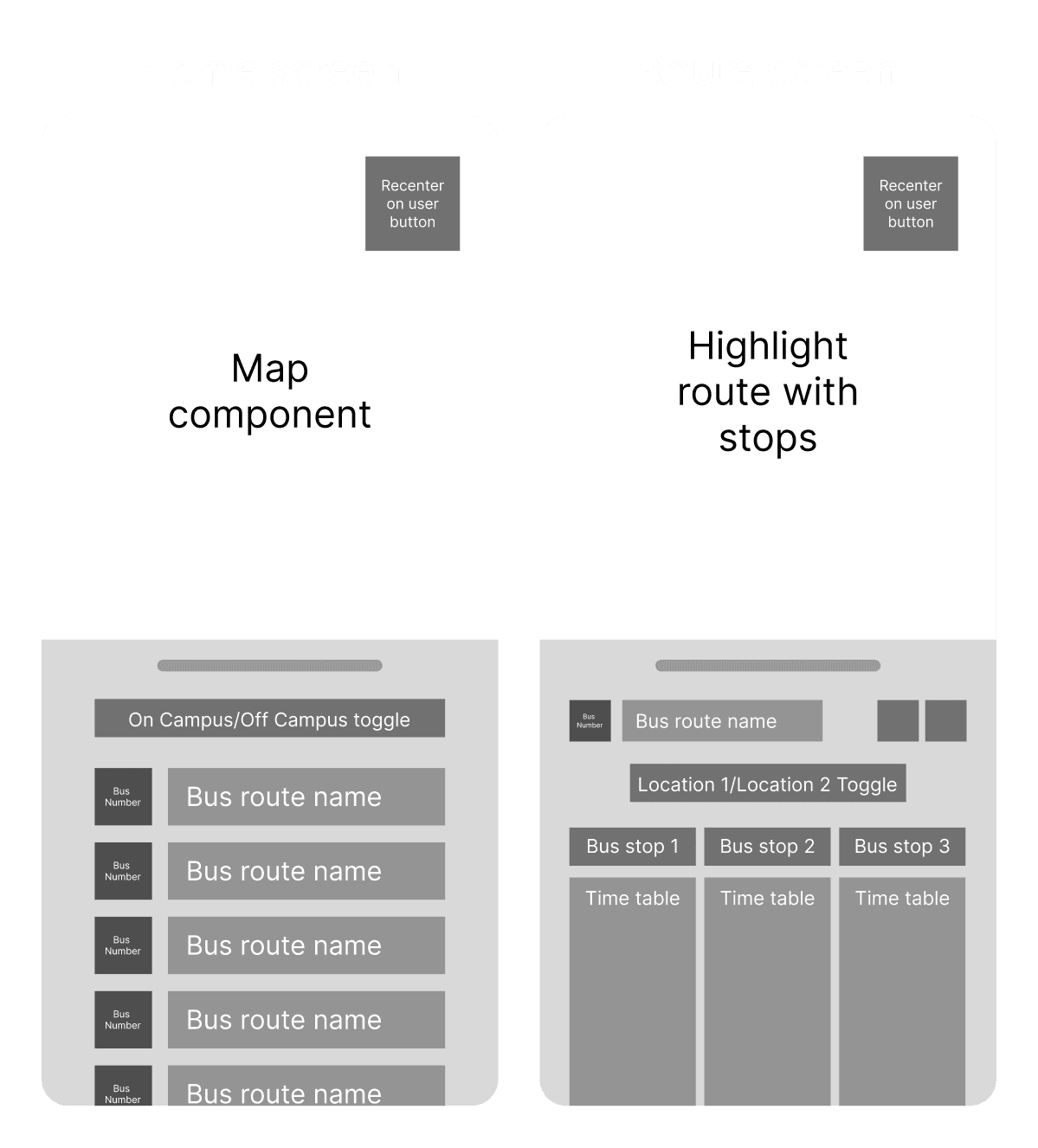
Refined the app solution concept in Figma
After we settled on useful features that directly targeted the user problems, I refined our sketches in Figma to clarify our direction before moving on.
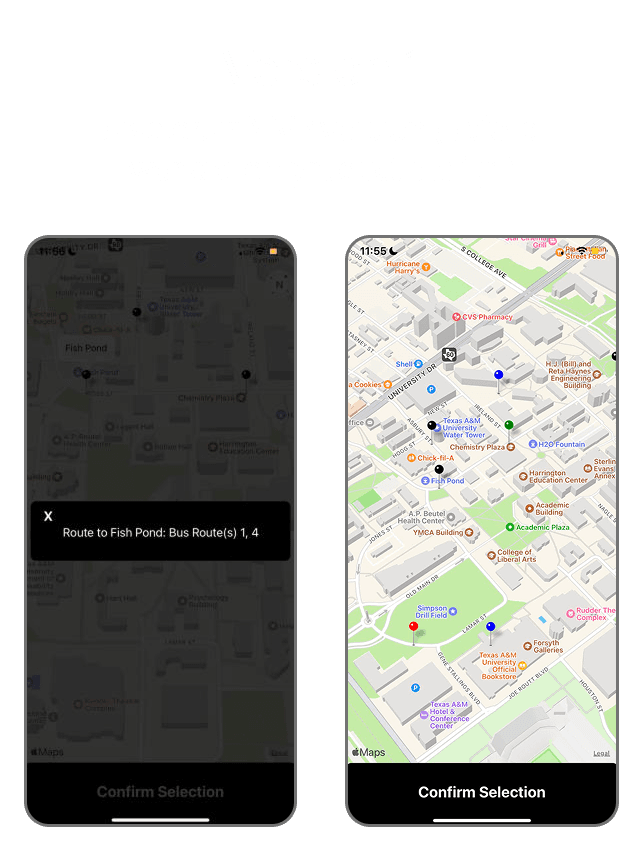
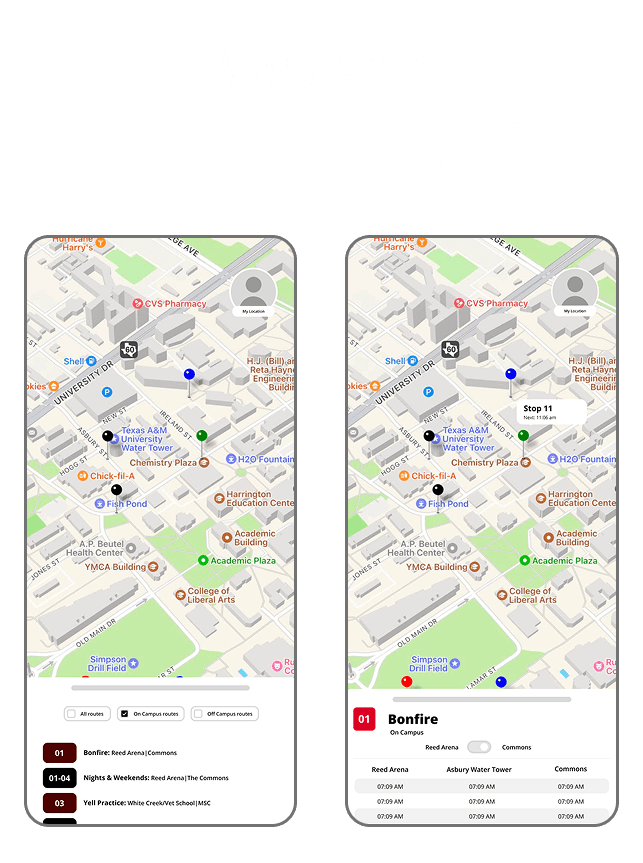
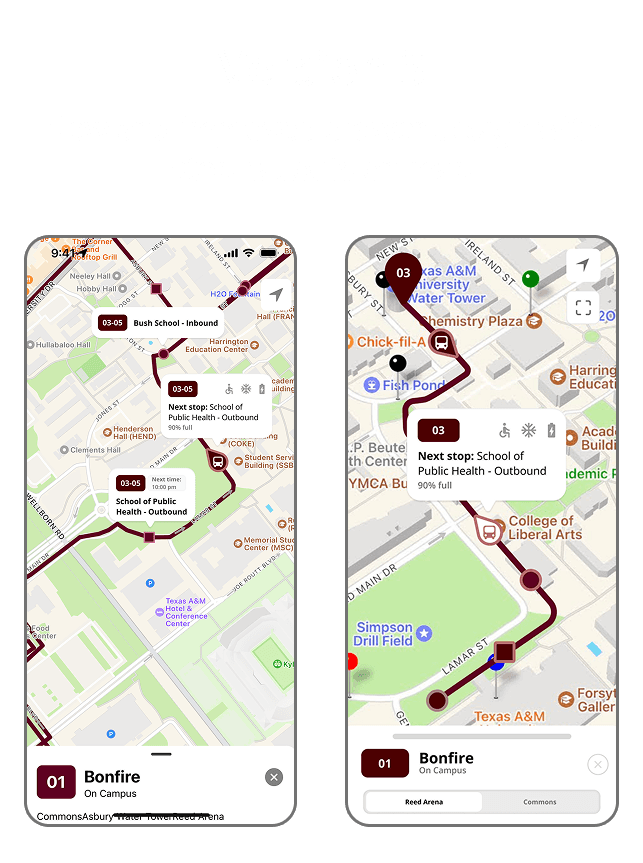
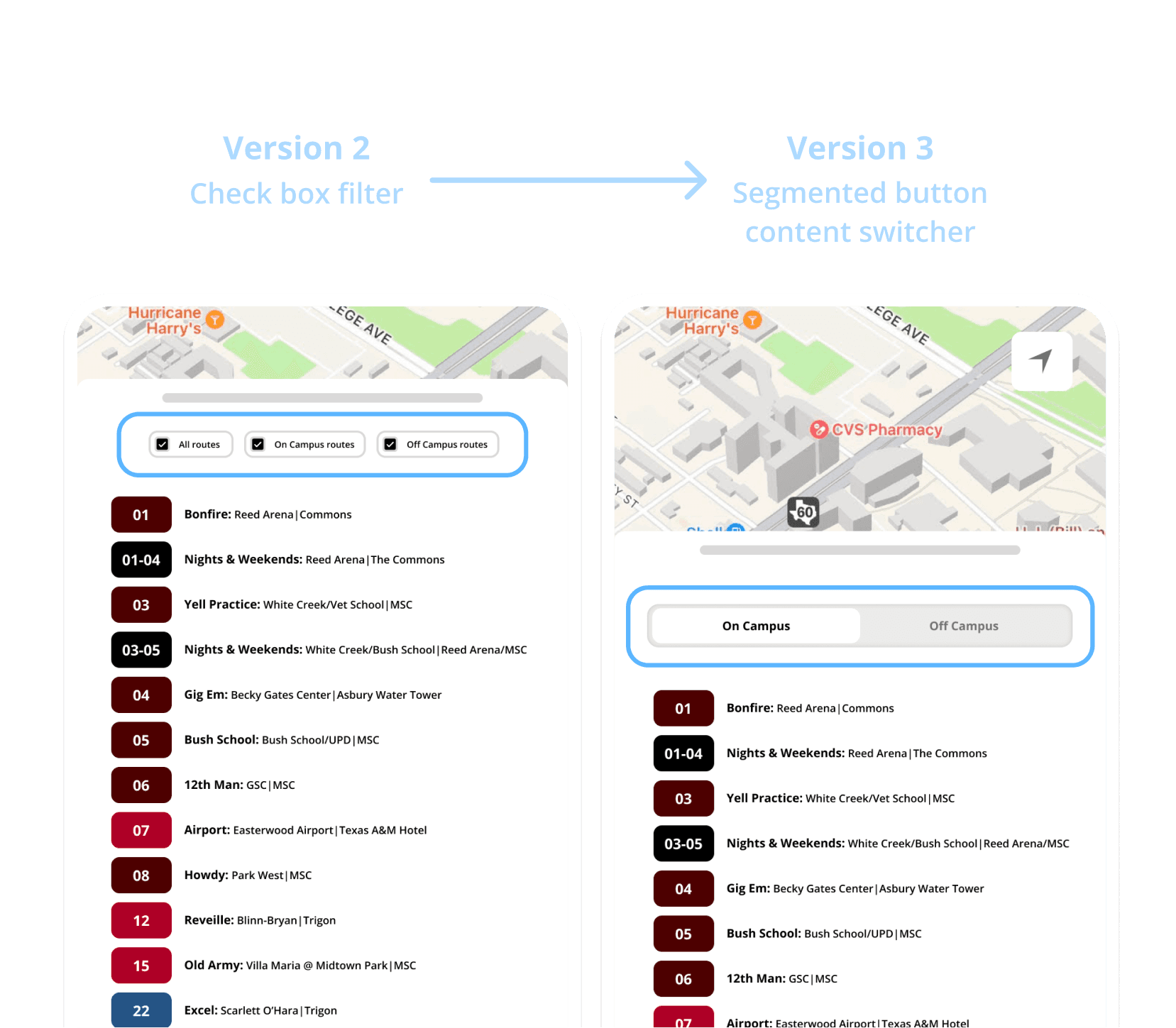
V2 to V3: How to filter bus routes?
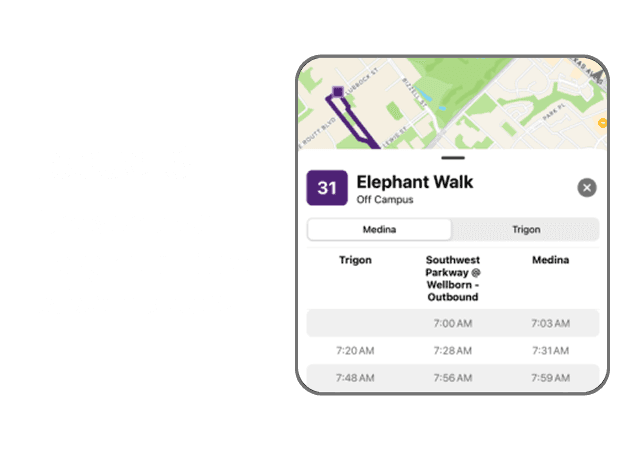
Switching to a drawer limited header space for navigating “On-Campus,” “Off-Campus,” or “All Routes.” I first tried a checkbox filter, but after discussing with a developer, we realized “All Routes” was unnecessary.
We replaced the checkbox with a segmented button (inspired by Apple’s HIG), giving users a larger tap target and a cleaner, more intuitive interface.
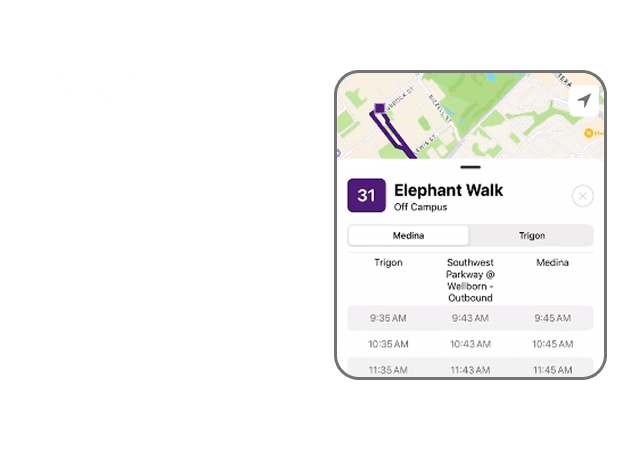
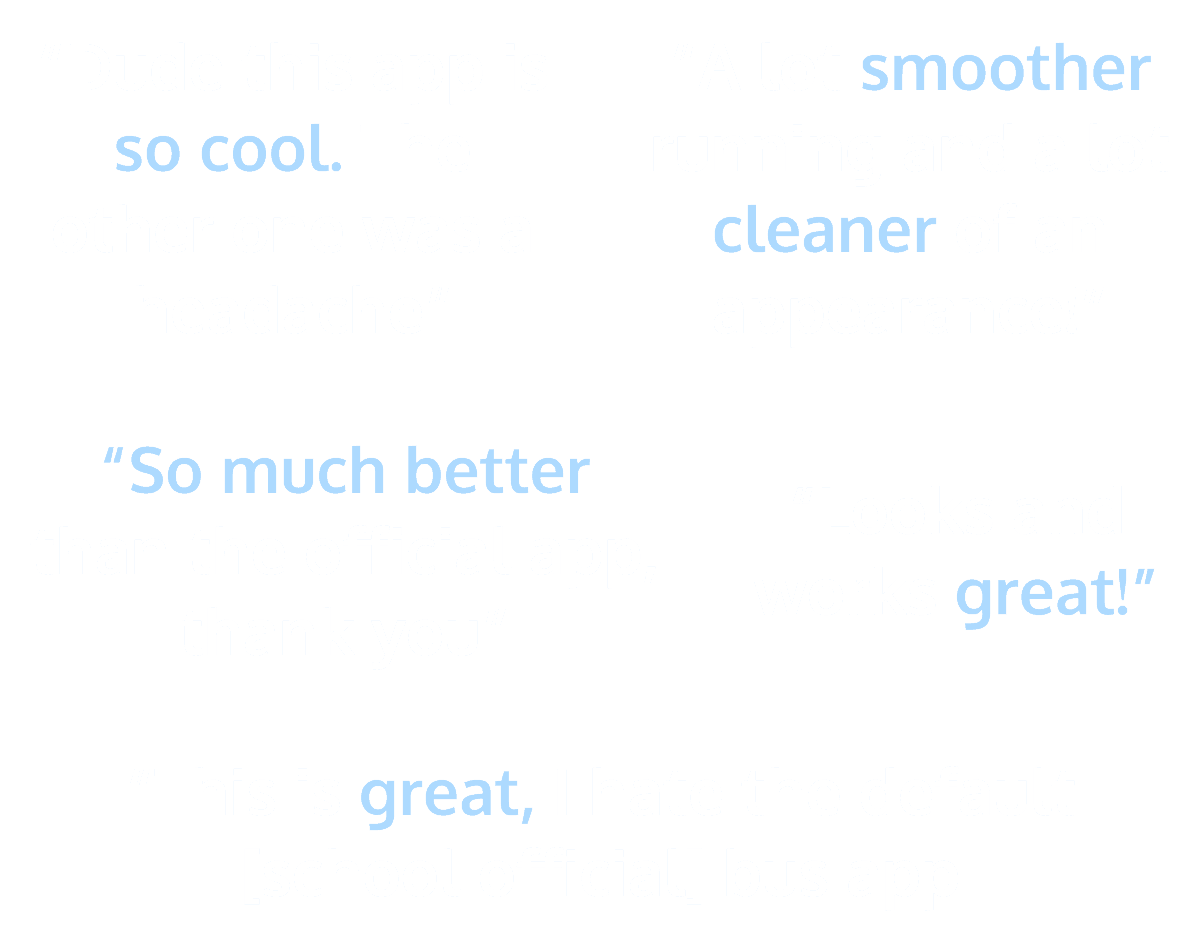
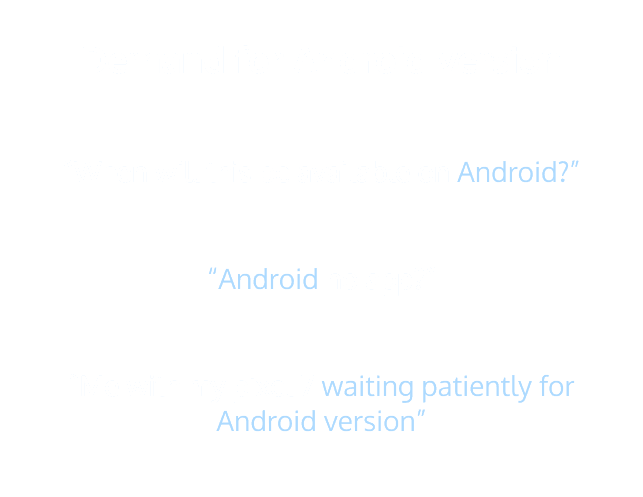
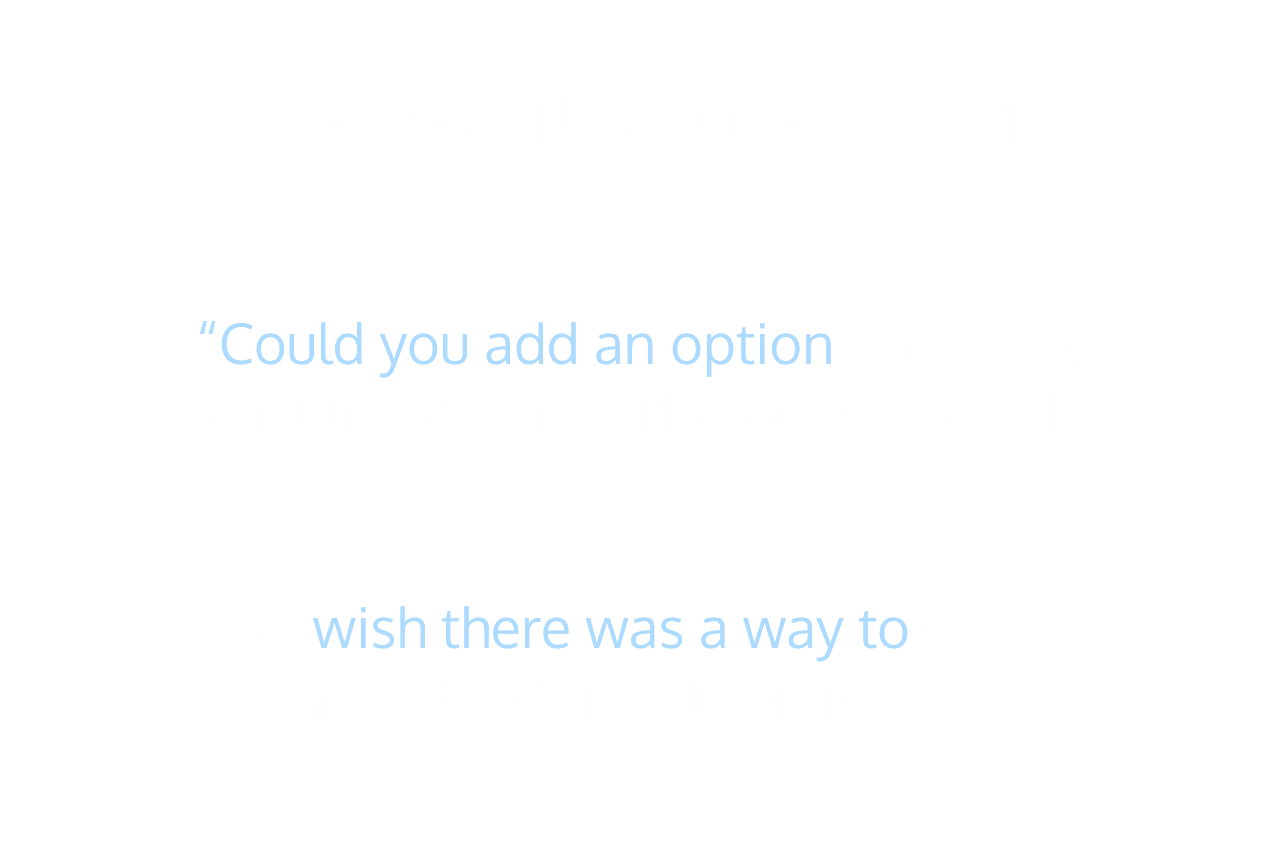
User feedback from our 1st app launch: success!
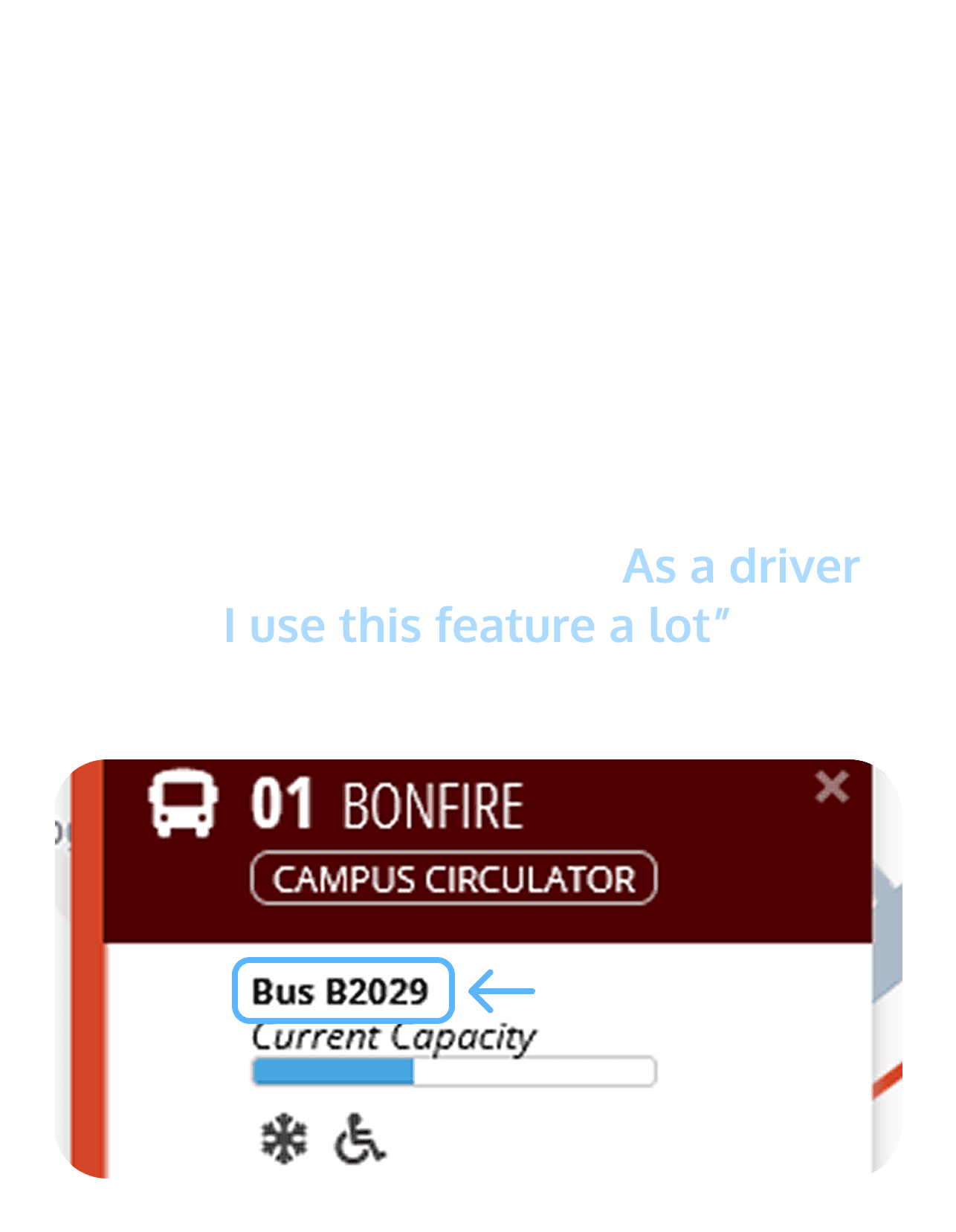
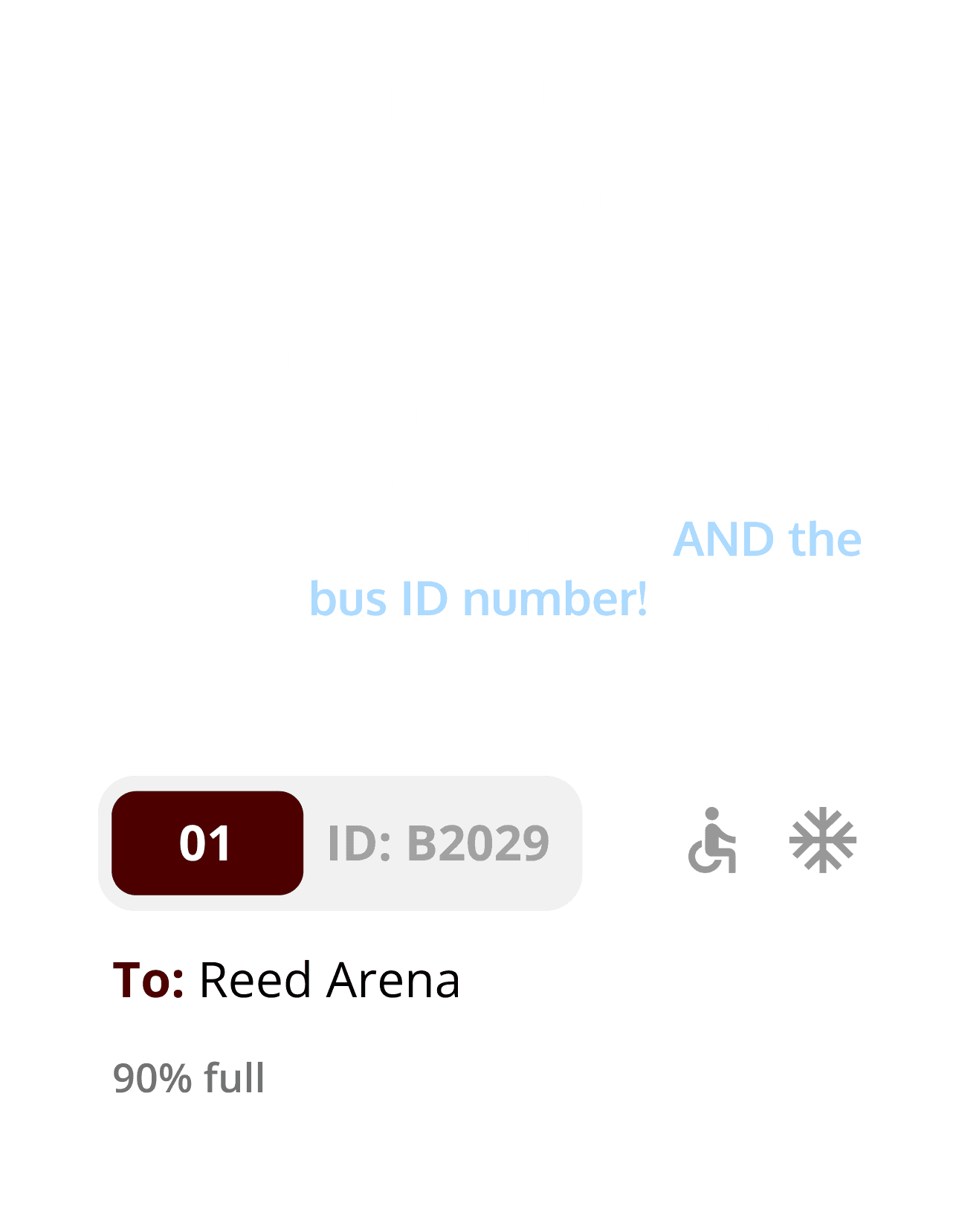
Positive feedback showed vast improvement from the school's official app!
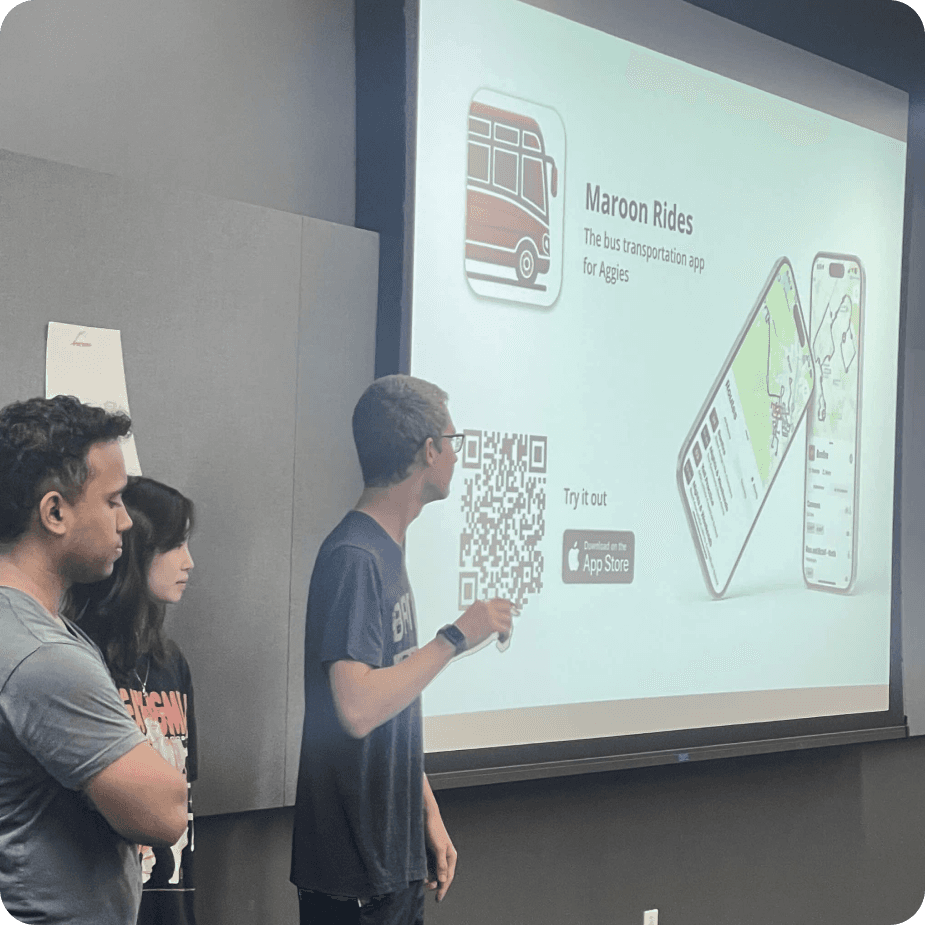
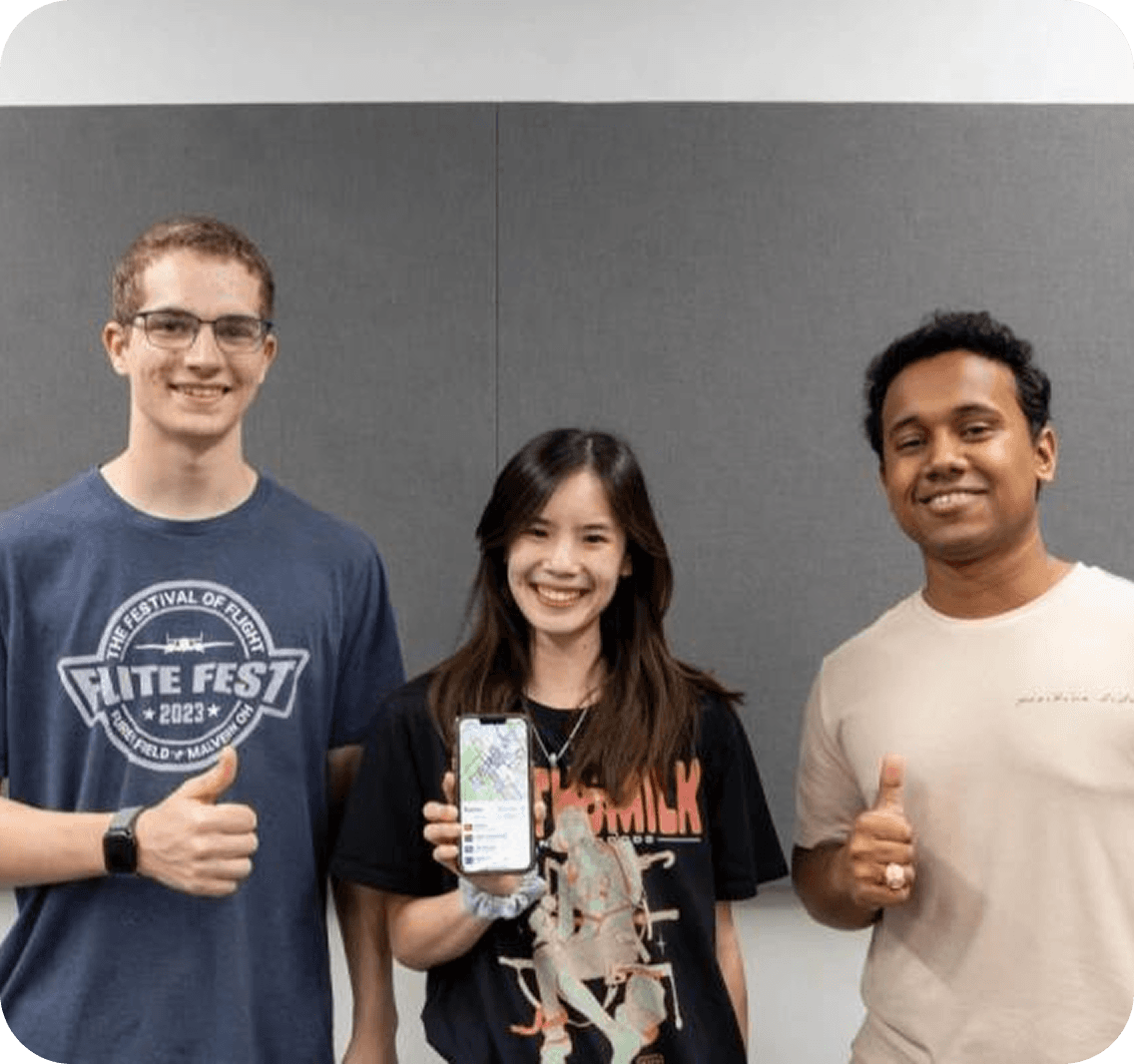
Presenting our app to Aggie Coding Club
Our app was originally an Aggie Coding Club project, and we return to show incoming student members the reward of seeing a project through.
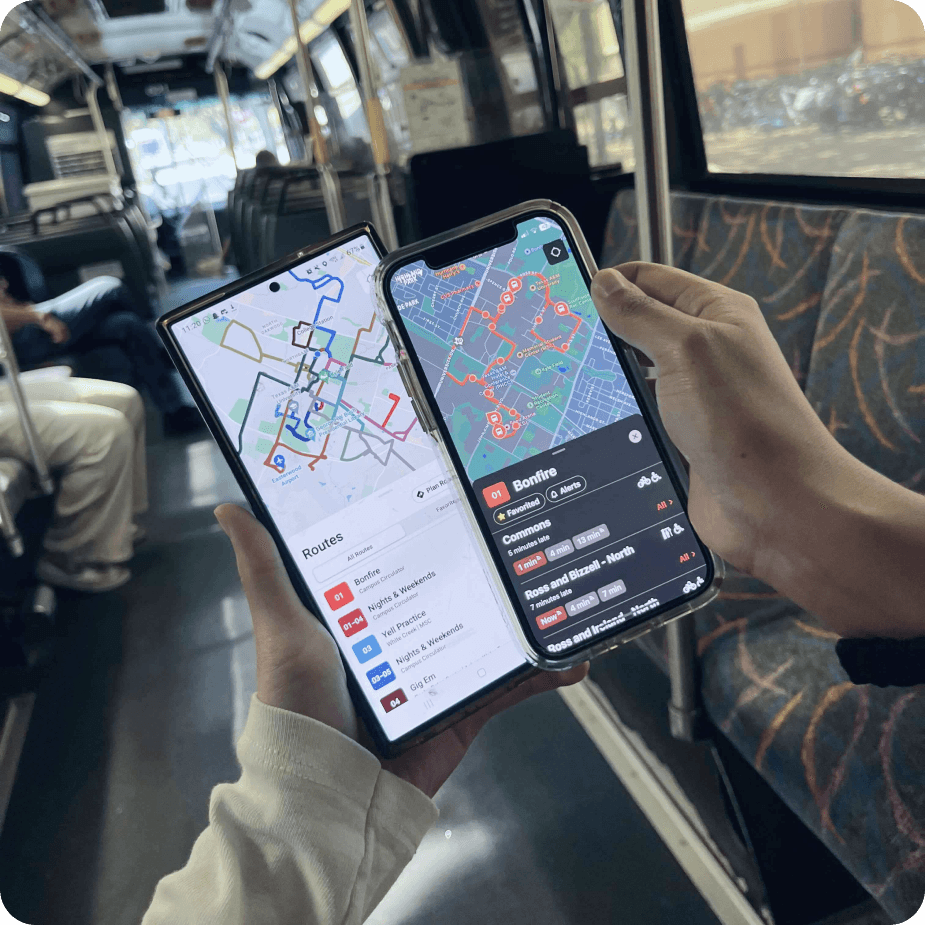
Our app in action on the bus!
Several fellow students have stated their appreciation and how the app has made their campus lives easier!
Featured in the school newspaper
"This app was developed and designed by visualization junior Kayley Vu …"